

Introduction
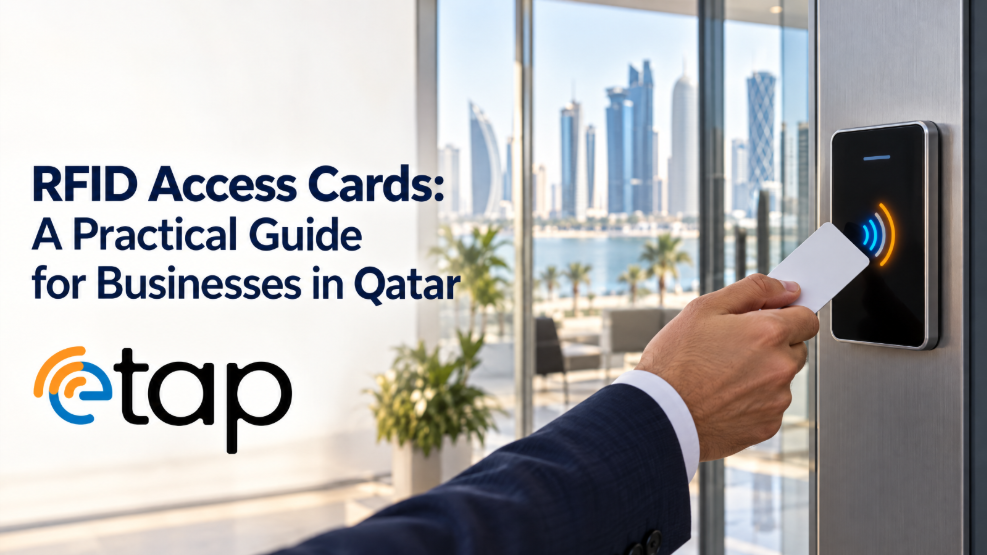
Offices, residential buildings, hotels, schools, clinics and clubs all need reliable ways to manage who can enter particular areas. Traditional keys can be lost or copied, while manual sign-in procedures can slow down reception and security staff. RFID cards offer a contactless way to present a credential to a compatible reader. The reader passes information to an access-control system, which checks the credential and applies the relevant permissions. Businesses researching card options can begin with etap’s RFID card product, while confirming technical requirements with their access-system provider.
How RFID works
RFID means Radio Frequency Identification. A typical system includes a card or tag, a reader and software or a controller. The card contains a chip and antenna. When it comes within range, the reader communicates with the card using radio-frequency signals. Depending on the technology, the card may provide an identifier or participate in a more secure authentication process. The access system then checks whether that credential is authorised. Simply detecting a card does not automatically grant access; permissions must be configured correctly.
Not every RFID card is the same
RFID is a broad family of technologies with different frequencies, protocols and security features. A card that works with one reader may not work with another. Some systems use low-frequency credentials, while many access and identification applications use high-frequency smart cards. MIFARE is a known family of contactless smart-card technologies, but the exact chip and system configuration still matter. Before ordering, ask the installer to confirm the required frequency, card type, credential format and encoding process. Avoid assuming that any product labelled “RFID card” will work with every reader.
Common applications
**Office access:** Staff credentials can operate compatible door readers and turnstiles. **Visitor management:** Temporary credentials can be restricted to certain areas or dates. **Membership facilities:** Gyms, clubs, schools and residential communities may use compatible cards to identify members. **Attendance systems:** Some systems use cards to record entry events, subject to appropriate data policies. **Hospitality:** Compatible contactless credentials may support guest-room access or selected amenities. In every case, the card must match the reader and software being used.
Security and administration
A card is only one part of a secure access system. Businesses should use the authentication and security features supported by their chosen technology, especially for sensitive areas. Maintain an accurate register of issued cards, assign responsibility for approving credentials and remove access when a card is lost or an employee leaves. Define a process for replacements, temporary passes and changes in staff roles. Test sample cards before ordering in quantity, and keep the card specification documented so future replacements remain compatible. Printed numbers or logos alone should never be treated as proof that someone is authorised.
Selecting the right product
Begin by recording the reader model and exact card specification. Ask the access-control provider whether cards require a particular chip family, identifier format or encoding procedure. Consider durability, print quality and whether the card also needs to display a photograph or employee details. If the card is intended for both visual identification and electronic access, specify both functions clearly. See etap’s employee ID card option for a printed card format and the MIFARE card page when researching that technology family. Confirm compatibility before production.
Questions to ask before ordering
Ask: Which reader will scan the card? What frequency and protocol are required? Is the credential intended for a public smartphone tap or a managed access system? Who will encode and test the cards? How will lost cards be deactivated? Does the design need a photo, barcode, QR code or logo? A short technical checklist prevents delays and avoids purchasing credentials that cannot be used by the installed system.
Conclusion
RFID cards can make access management more convenient, but compatibility and administration are essential. Businesses should confirm the technology with the system provider, test a sample and create a clear process for issuing and cancelling credentials. Explore etap’s RFID cards and browse the wider etap shop as part of the product research process.